

Playback is easier when you choose the source before guests arrive and give the VIBE 6 one reliable job to do.
Choose one primary source
The MKPULSE VIBE 6 is a portable party speaker built to make playback flexible rather than complicated. It supports Bluetooth with TWS, USB, microSD, AUX, and FM, giving you several paths to music. The best path is usually the one you can test before guests arrive and operate without distraction during the party. Pick a primary source, prepare a backup only if it is genuinely useful, and keep the rest of the night simple. A playlist should be part of the atmosphere, not a troubleshooting exercise.
Bluetooth for everyday playlists
Bluetooth is the practical choice when your music lives on a phone or tablet. Keep the device close during pairing, select the VIBE 6 from its Bluetooth settings, and test a familiar song before anyone is listening. Once the connection is working, decide which control will be your main volume control and avoid pushing every control high at the same time. Silence notifications or use a dedicated device if an interruption would be unwelcome. This small preparation makes a wireless setup feel far more reliable.
USB and microSD for self-contained playback
USB and microSD playback are helpful when you want music available without relying on a phone connection for the entire event. Prepare the media in advance, check that the files are organized in a way you can navigate comfortably, and test it on the speaker before the party. A self-contained source can be especially convenient for a recurring venue, family gathering, or space where several people may be using their phones. Keep expectations practical: the advantage is simple access to prepared music, not a reason to create an unnecessarily elaborate workflow.
A quick check before you continue
- Start at a moderate level and listen from the audience area.
- Change one setting at a time so you can hear what helped.
- Keep the setup focused on the people and the program.
AUX for a direct connection
AUX is a useful option when a wired connection makes more sense for your source device. It can be a clean way to connect a compatible phone, tablet, or other playback device without using Bluetooth. Check the cable before guests arrive and route it so no one can snag it while reaching for a drink or moving through the room. Wired does not automatically mean better for every event; it means you have a direct option when it suits the setup. Choose the source method that leaves you the most confident and least distracted.
FM for casual listening
FM is part of the VIBE 6’s flexible source list and can be a relaxed option for radio listening when a custom playlist is not the point. It is particularly useful for a casual afternoon, a game broadcast, or background listening in a space where the group is not curating every song. Test reception where the speaker will sit, since location can affect the experience. Like every source, it works best when you make the choice early instead of changing modes repeatedly while people are trying to enjoy the moment.
TWS expands a party area
TWS pairing lets two compatible VIBE 6 speakers work together when you need a broader sound field. It is a thoughtful upgrade for a long patio, a divided living area, or a party that spans indoors and out. Pair the speakers before guests arrive, verify that playback reaches both, and set them at sensible positions rather than placing them side by side. The point is more even coverage, not twice the confusion. Keep their levels balanced and listen from the middle of the area where people will gather.

Use a wired microphone input with a plan
The VIBE 6 has a wired microphone input for karaoke, a host, or a casual two-person moment. Connect and test each mic before inviting anyone to use it. Set music to a supportive level, then raise the mic only enough for clear voices. Keep microphone cables outside busy walking paths and explain a simple handoff: hold the mic close, speak or sing toward it, and do not point it directly at the speaker. These basics make a casual activity feel more comfortable for everyone participating.
Build a reliable handoff
If several people will add songs, decide who controls the source device or create a shared playlist beforehand. Too many hands on a Bluetooth connection can interrupt playback at the exact moment the party is moving. If you need a backup, keep it simple: a charged second device, prepared USB media, or an AUX cable that has already been tested. The VIBE 6 offers choices, but dependability comes from choosing a small number of them well. The best playback setup fades into the background once the music starts.
Listen from the party, not the panel
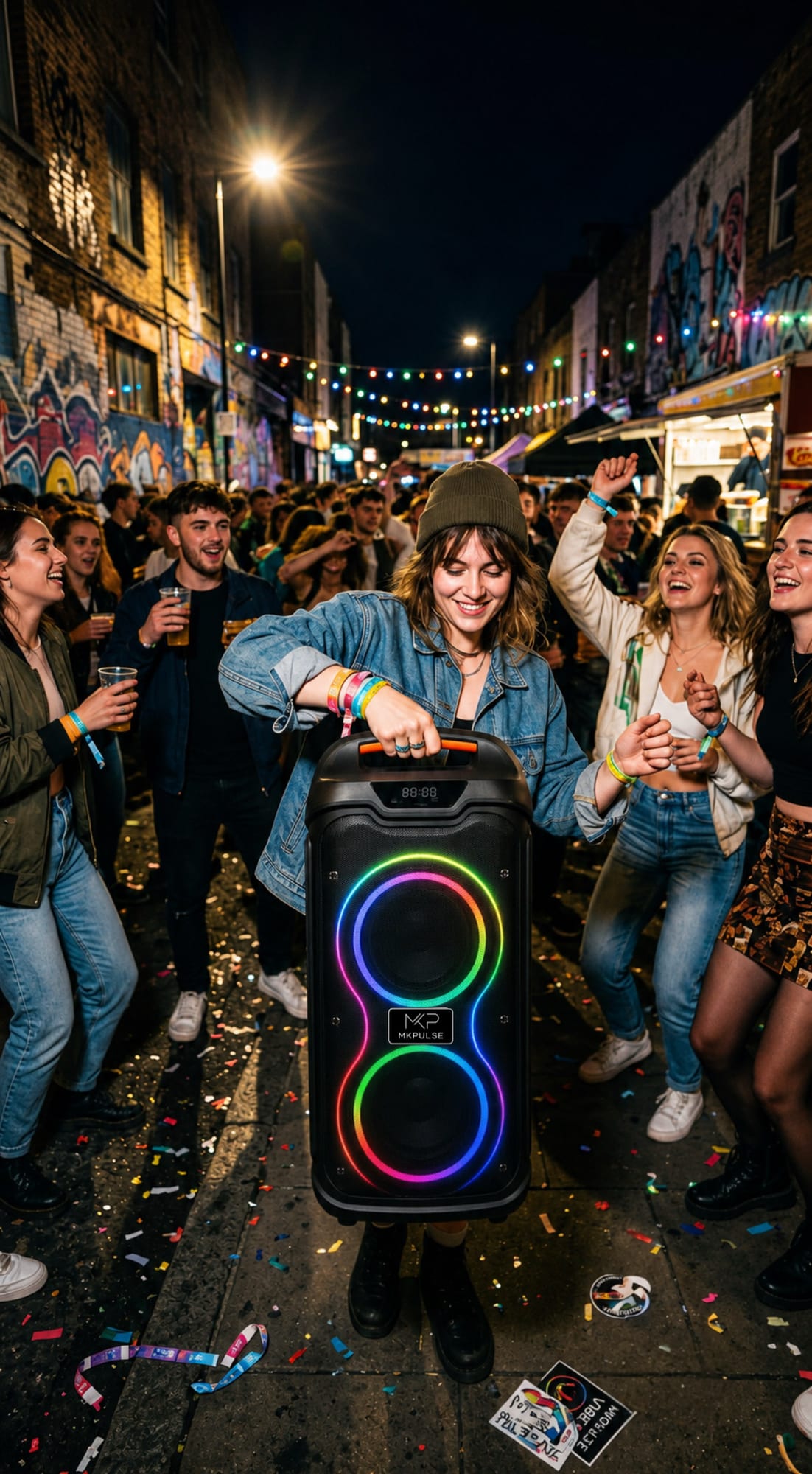
After selecting a source, stand where guests will stand. The VIBE 6’s dual 6.5-inch drivers and dynamic RGB lighting work together to create a social party presence, but placement still matters. Do not hide it in a corner or behind a sofa. A moderate level near the group is usually more enjoyable than a louder level from far away. Adjust in small increments after the room fills. This audience-first check is the final part of pairing: a connection is successful only when the music feels good where people are.
Prepare media before switching modes
If you plan to use USB or microSD playback, organize the material before the event rather than browsing folders while guests wait. Name files clearly, remove anything you do not want played, and test the media on the VIBE 6 in advance. If Bluetooth is the primary source, treat USB or microSD as a prepared fallback, not a second system you constantly switch between. A source plan is successful when you can move from one song to the next without looking away from the people you are hosting.
Place paired speakers for people
When using TWS with two VIBE 6 units, set them apart enough to cover the gathering area instead of grouping them together like a single larger speaker. In a long room, place one toward each end with both facing inward toward listeners. On a patio, keep them sheltered and clear of walking paths. Pair them first, then stand in the middle and at both ends of the group area. The right layout makes the music feel available throughout the space without forcing anyone near one speaker to listen at an uncomfortable level.
Keep cables deliberate
AUX and wired microphones are useful because they are direct, but the physical cable route becomes part of the party plan. Run cables along a wall or behind furniture where possible, secure slack rather than leaving loops in a walkway, and leave enough room for a person to move without tugging on a connector. If a phone is connected by AUX, give it a stable resting place instead of balancing it on the speaker. A clean cable plan protects the connection and lets guests focus on music, conversation, and the VIBE 6’s RGB atmosphere.
Protect the source connection
A reliable connection begins with treating the source device as part of the setup. Charge it before the party, stop battery-intensive background tasks, and decide whether guests will request songs through one host or a shared playlist. For Bluetooth, keep the device within a practical range and avoid pairing other devices after the event begins. For AUX, check that the connector is fully seated and that the cable cannot be tugged. For USB or microSD, test navigation before guests arrive. These short checks make the VIBE 6’s range of playback choices genuinely useful instead of unnecessarily complicated.
Use the room to decide on TWS
TWS is worth using when two VIBE 6 speakers can solve a real coverage problem. A wide deck, long basement, or divided indoor-outdoor gathering may benefit from two positions at modest levels. A compact apartment party may sound better with one speaker placed well. After pairing, play the same familiar track and walk the entire area. Check that neither location feels excessively loud and that the sound does not disappear where people sit or talk. The objective is an even social atmosphere, not the most dramatic possible demonstration of two speakers at once.
Finish with a simple fallback
Keep one tested fallback available for the night: a charged second Bluetooth device, a prepared USB or microSD source, or a correctly routed AUX cable. Do not switch to it unless there is a reason. Knowing that it is ready lets you host with confidence while the VIBE 6 handles music, RGB atmosphere, and casual microphone moments without the source becoming the focus of the party.
Choose the next right step
The best sound choice is the one that matches the job in front of you. Explore the MKPULSE VIBE 6 You can also compare MKPULSE speaker options or keep planning with the MKPULSE Journal.