

A good first P10 setup should feel calm: place it well, test the voice that matters, and let the music follow.
Start with the room, not the controls
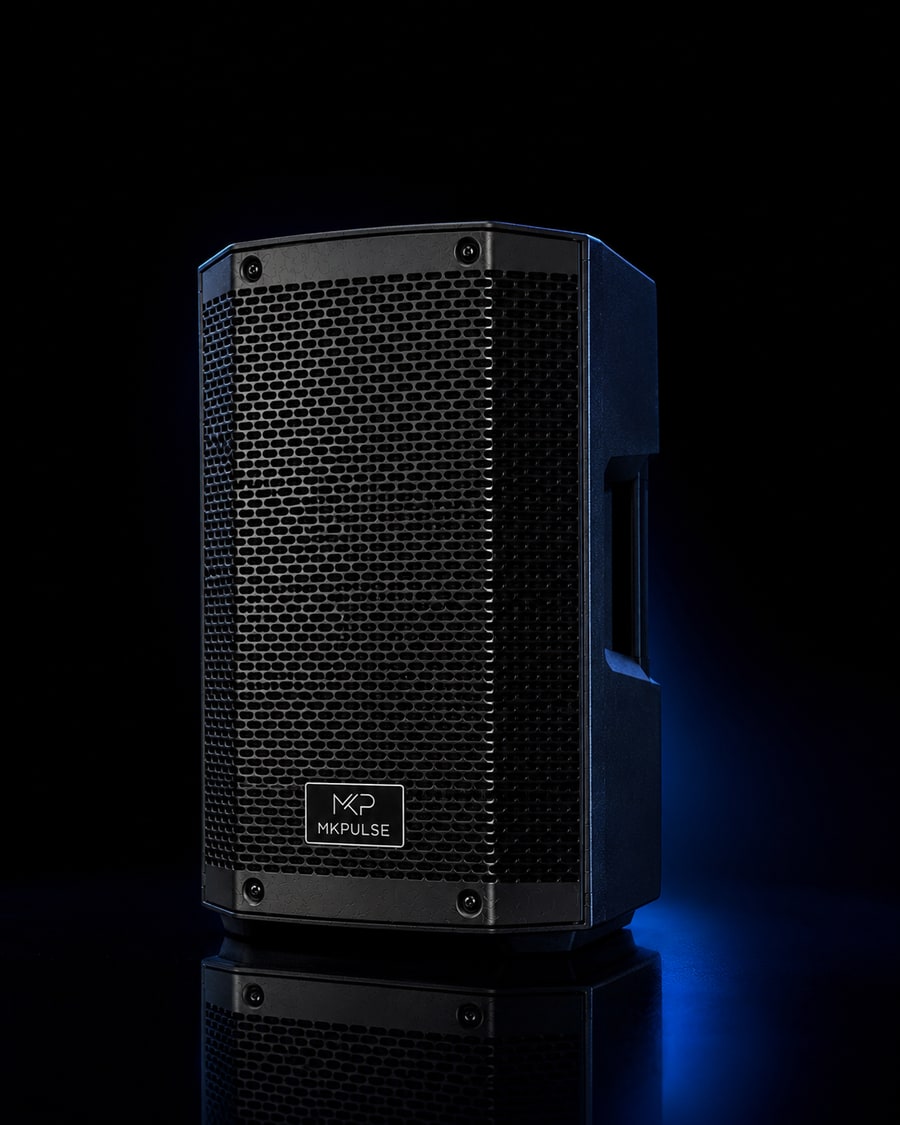
A quick setup works because the decisions are made in the right order. Before turning anything on, look at where people will actually stand, sit, talk, and move. The MKPULSE P10 is a portable battery PA, so it gives you freedom from hunting for an outlet first. That freedom is most useful when you use it to place the speaker intentionally: face it into the listening area, keep it clear of furniture, and avoid burying it behind the host table. A few feet of better placement usually improves clarity more than a dramatic volume change.
Your five-minute order of operations
Put the P10 in its final position, power it on with its level set low, and connect the source you will use first. If the event includes a person speaking, bring out the included UHF wireless mic before opening your music app. Say a few ordinary sentences from the spot where the host will stand. Then pair a phone or tablet over Bluetooth 6.0 and play a familiar track at a modest level. This simple order separates a mic issue from a music issue and gives your ears a clean starting point.
Make the microphone the priority
Speech is less forgiving than music. A playlist can feel acceptable even when it is slightly louder than it needs to be; a welcome, toast, or announcement cannot help guests who missed the first sentence. Hold the wireless mic close enough to speak naturally, point it away from the front of the speaker, and ask a friend to stand near the back of the group. Raise the mic gradually until every word is easy to understand. If feedback begins, lower the mic level and change position before reaching for more volume.
A quick check before you continue
- Start at a moderate level and listen from the audience area.
- Change one setting at a time so you can hear what helped.
- Keep the setup focused on the people and the program.
Pair Bluetooth without turning setup into a project
Bluetooth 6.0 makes the P10 a practical choice for a phone or tablet playlist. Keep the source device nearby during pairing, select the P10 in its Bluetooth settings, and verify playback with one familiar song. Once connected, use the device for broad music selection and use the speaker controls for final room level. This prevents the common problem of pushing both controls high at once. If the event matters, silence notifications or use a device dedicated to music so an incoming call does not become part of the program.
Pick a DSP preset for the job
The P10 provides Music, Vocal, and Speech DSP presets. Think of them as useful starting points rather than rules. Music is the natural first choice for playlists. Vocal can be a helpful place to begin when singing or a host is prominent. Speech is the sensible choice for remarks, meetings, lessons, and announcements. Choose one, listen from where guests are standing, and leave it alone unless the job changes. Constantly switching settings makes it hard to tell whether the room, source, or level is responsible for what you hear.
Use the battery advantage wisely
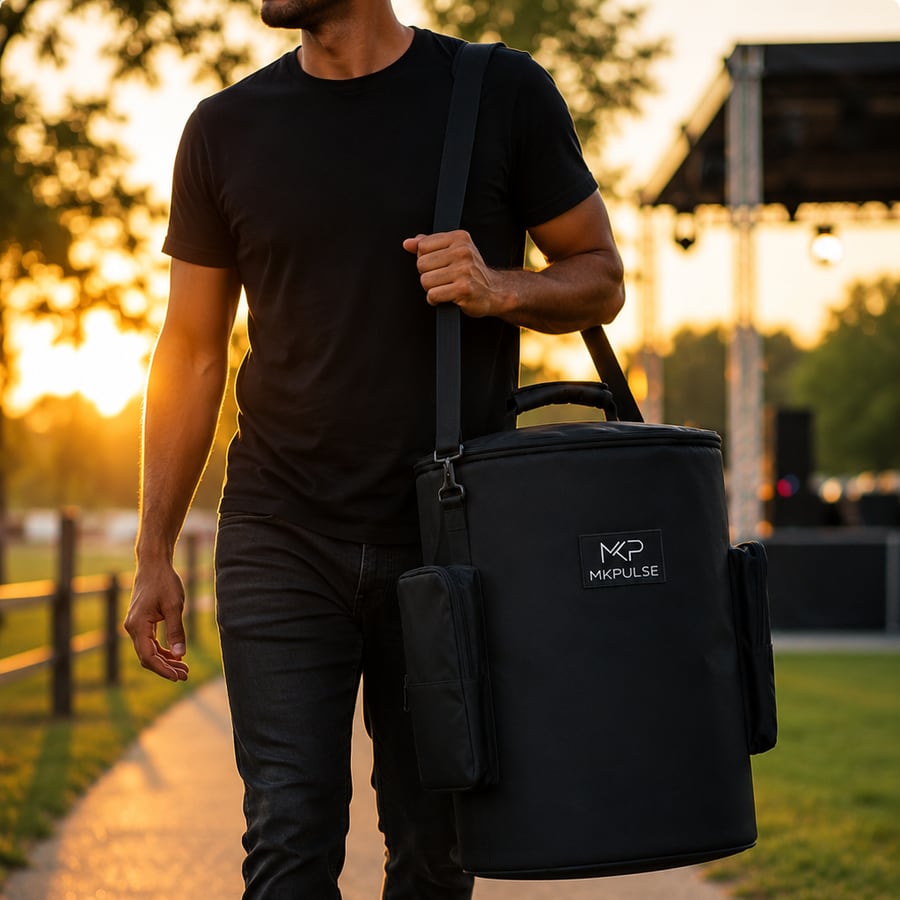
A battery-powered PA removes one common load-in problem, but it does not remove preparation. Charge before the event, then treat the initial sound check as the time to confirm the entire chain: speaker, mic, source, and playlist. Keep the P10’s included carry bag with the setup instead of leaving it in the car. It is an easy place to return accessories and cables when the event ends. A consistent packing habit matters because the small item missing on a busy day is often the one that stops a simple setup from being simple.

A short sound check that tells you something
Walk the listening area while someone speaks into the mic and while a song plays. Listen for intelligibility, not spectacle. Near a wall or in a tight corner, low frequencies can build up and make speech feel less clear. Moving the speaker slightly forward or aiming it more directly at the audience can solve that without any complicated adjustment. In an open patio, people close to the speaker may hear plenty while those farther away need a little more level. Make changes in small steps and walk the area again.
When a second P10 makes sense
One P10 is a clean solution for many compact gatherings. When the area becomes wider rather than simply louder, a second compatible unit can be a better answer than forcing one speaker to cover every corner. The P10 supports TWS pairing, which is useful when you want a broader listening area or a more balanced presentation across a long patio, classroom, or activity space. Set both speakers where people are, confirm the pairing before guests arrive, and keep their levels matched so the room feels cohesive rather than split into loud and quiet zones.
Pack down with tomorrow in mind
At the end of the night, lower levels before powering down, disconnect the source, return the wireless mic and any small accessories to the carry bag, and give the speaker a quick visual check. This is not glamorous work, but it is how a five-minute setup stays a five-minute setup the next time. You are building a repeatable routine: position, power, mic, source, listen, then pack. Once that order feels familiar, you can focus on the people and program instead of the equipment.
Set the source before the guests
Prepare the device supplying music before the room becomes busy. Download the first few tracks if you expect weak reception, turn off alarms and notification sounds, and make sure a family member cannot accidentally take over the Bluetooth connection. Put the device on a stable surface with its charging cable available if the event will run for hours. If someone else is handling playlists, show them which control affects music level and agree that the microphone setting stays with the person managing the sound. That one-minute handoff prevents a surprising number of mid-event interruptions.
Position the P10 for clear speech
For a short toast, place the P10 slightly to one side of the person speaking rather than directly behind them. The speaker should face the group, while the UHF wireless mic stays behind the speaker’s front edge. This physical arrangement helps keep the spoken voice clear and reduces the chance of feedback. If the group is seated in a semicircle, aim toward the middle of that shape instead of toward the most convenient wall. Ask the speaker to use a natural conversational tone; shouting into a microphone usually makes clarity worse, not better.
Have a simple recovery plan
If music stops, do not change several controls at once. First look at the source device, then confirm Bluetooth is still connected, then check the P10’s level. If the mic becomes quiet, check its position and distance from the mouth before raising the level. These small checks solve most first-event problems without drawing attention from guests. The goal of a quick setup is not to create a fragile system; it is to create a system whose few components are easy to understand when a person asks for an announcement or a new song.
Use a repeatable arrival sequence
Arrive with enough time to do the same sequence every time: set the P10 down, inspect the listening area, choose a stable position, power on at a low level, and test the wireless mic before opening the music app. This order is useful because it tests the most event-critical element first. If a host needs to speak at the beginning, you do not want to discover a mic issue after spending ten minutes curating a playlist. Once speech is working, Bluetooth 6.0 playback is a simple next step. Keep the source device close during pairing, then move it to a safe location where it will not be bumped, splashed, or borrowed.
Adjust for changing conditions
A setup that sounded balanced during an empty sound check may need a modest adjustment after people arrive. Guests absorb and block sound differently than an empty patio or room, while conversation raises the background level. Listen from the farthest intended position during a natural pause in the event. If the music feels thin or speech feels distant, first check the speaker’s aim and whether furniture has been moved in front of it. Make one small level change only after considering placement. This lets the P10 stay clear and controlled instead of becoming a loud object competing with the gathering.

Choose the next right step
The best sound choice is the one that matches the job in front of you. Explore the MKPULSE P10 You can also compare MKPULSE speaker options or keep planning with the MKPULSE Journal.