

People search how to set up a PA speaker, outdoor party speaker setup, and event PA system because load-in is where good nights are won or lost. A clear checklist beats improvising in front of guests. This guide walks planners, DJs, and hosts through placement, power, microphone discipline, and soundcheck for both outdoor and indoor events — with stories from real room constraints and how MKPULSE P10 and S15 fit each step.
Story first: the night that failed on logistics
Most “bad sound” complaints start as logistics failures: speaker aimed at a wall, mic untested, cables in a doorway, levels opened at maximum because the empty room felt quiet. Guests then arrive, the noise floor rises, and the system has no reserve. Setup is not glamorous, but it is the difference between a booked weekend and a one-star review. Treat the following order as non-negotiable.
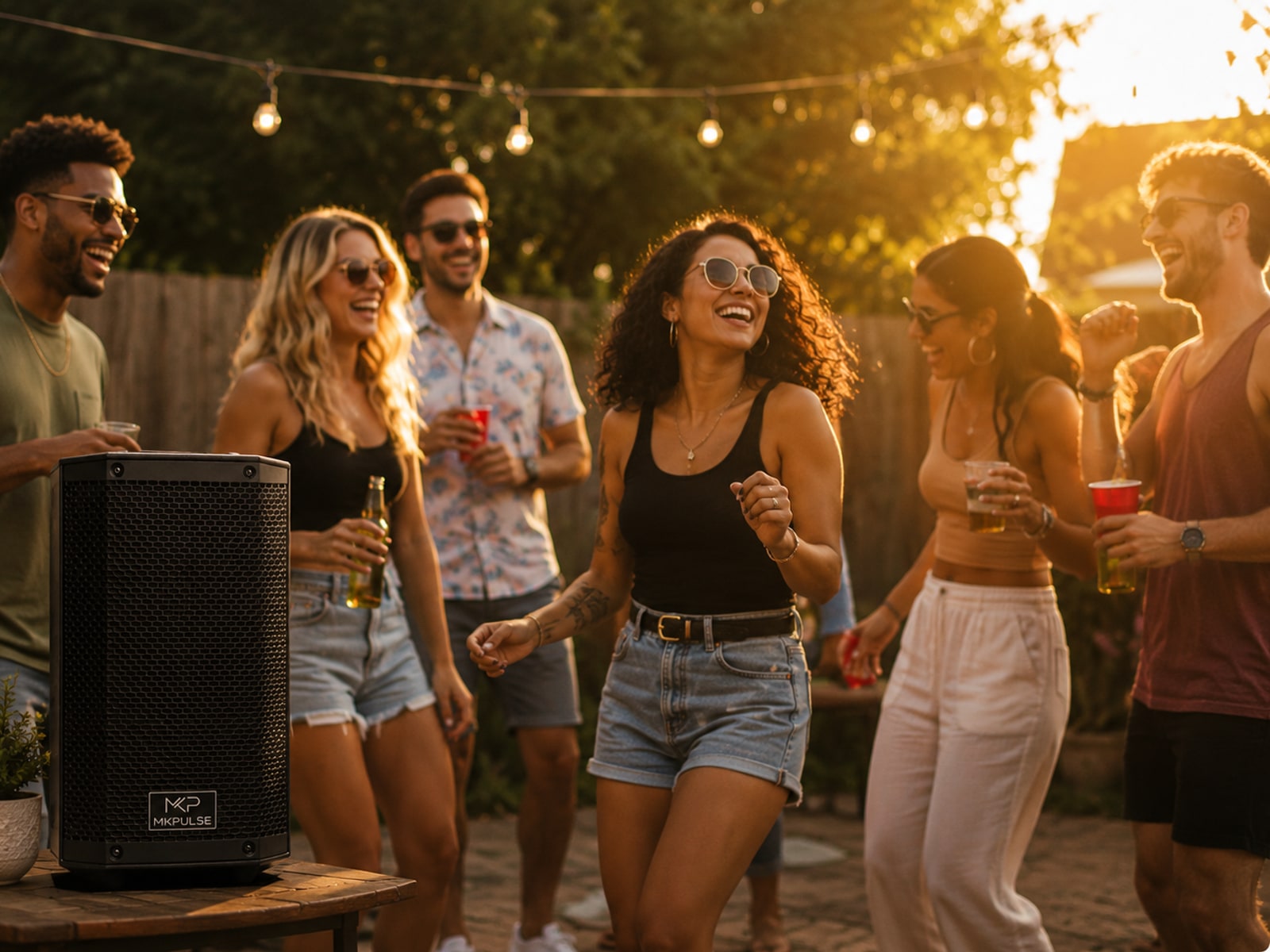
Step 1 — Read the room before you lift a cabinet
Walk the audience area, speaking position, bar traffic, and doorways. For an outdoor PA system, note wind direction, neighbor lines, and whether the crowd will stand or sit. For indoor venues, note hard walls that bounce energy and corners that trap bass. Mark where a host will stand for toasts. Placement decisions made here save more time than any EQ tweak later.
Step 2 — Place for coverage, not for decoration
Point the speaker at listeners. Elevate on a stand when possible so energy clears bodies. Keep the cabinet out of narrow walkways. On patios, avoid dumping full output into neighboring residences — good neighbor behavior is part of outdoor event trust. Battery PA like the P10 helps when cable runs would look messy in photos; powered PA like the S15 belongs where continuous dance energy is the product.

Step 3 — Power, charge, and cable safety
Confirm battery charge or AC power before doors. Dress cables so staff cannot trip. Power on with levels down. If using Bluetooth for playlists, pair early and silence notifications on the source phone. For critical DJ timing, prefer a wired line into the S15 combo input. Wireless is a tool, not a religion.
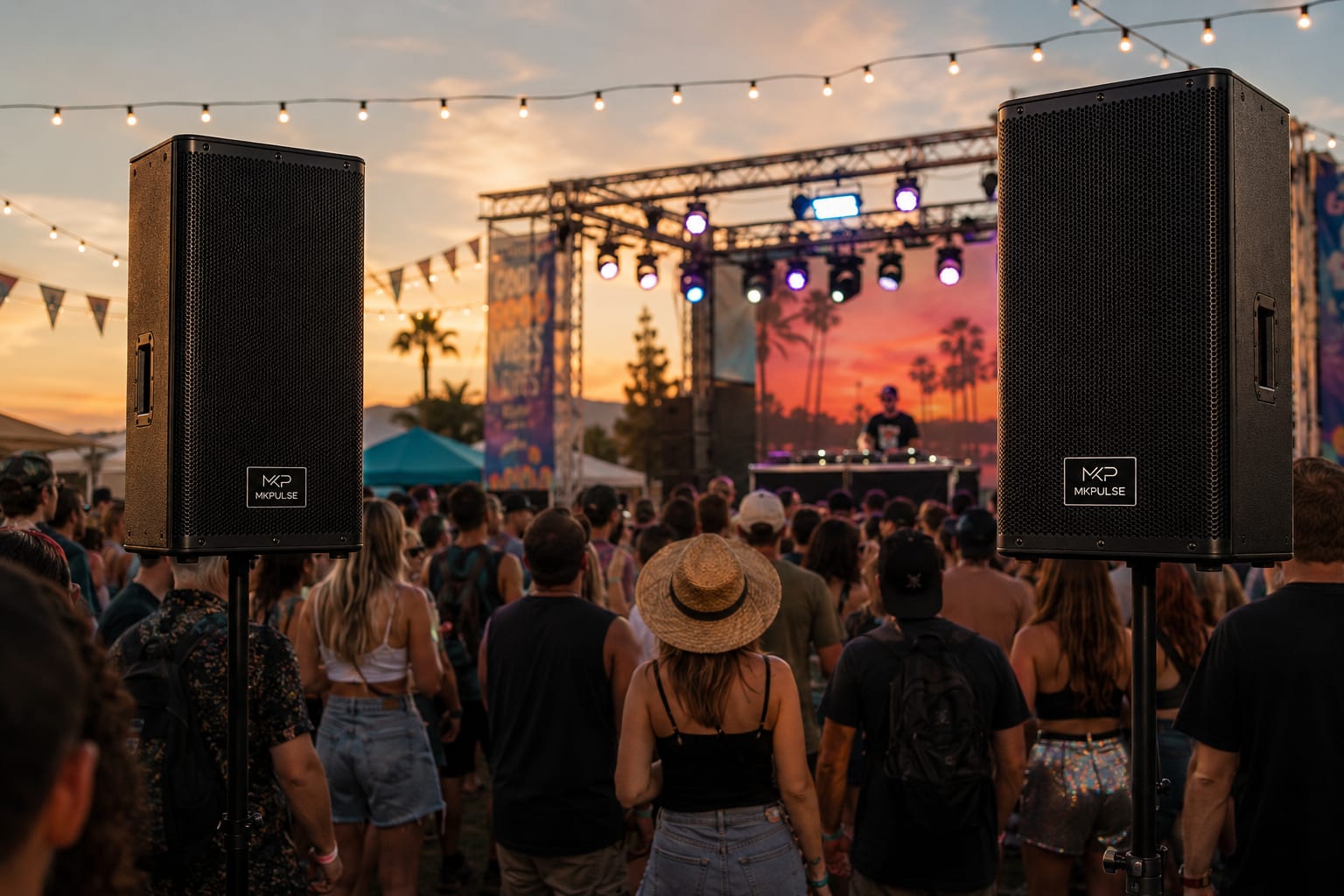

Step 4 — Mic first, music second
Speech failure is the most public audio failure at weddings, fundraisers, and corporate mixers. Test the wireless or wired mic from the exact speaking position. Raise mic gain until words are clear at a conversational shout from the back row, then add music underneath. Never bury a toast under a playlist because music was louder during empty-room check.
On the P10, the included UHF mic is part of the setup story — no separate rental the morning of. On the S15, assign one combo input to mic or host and the other to controller or interface.
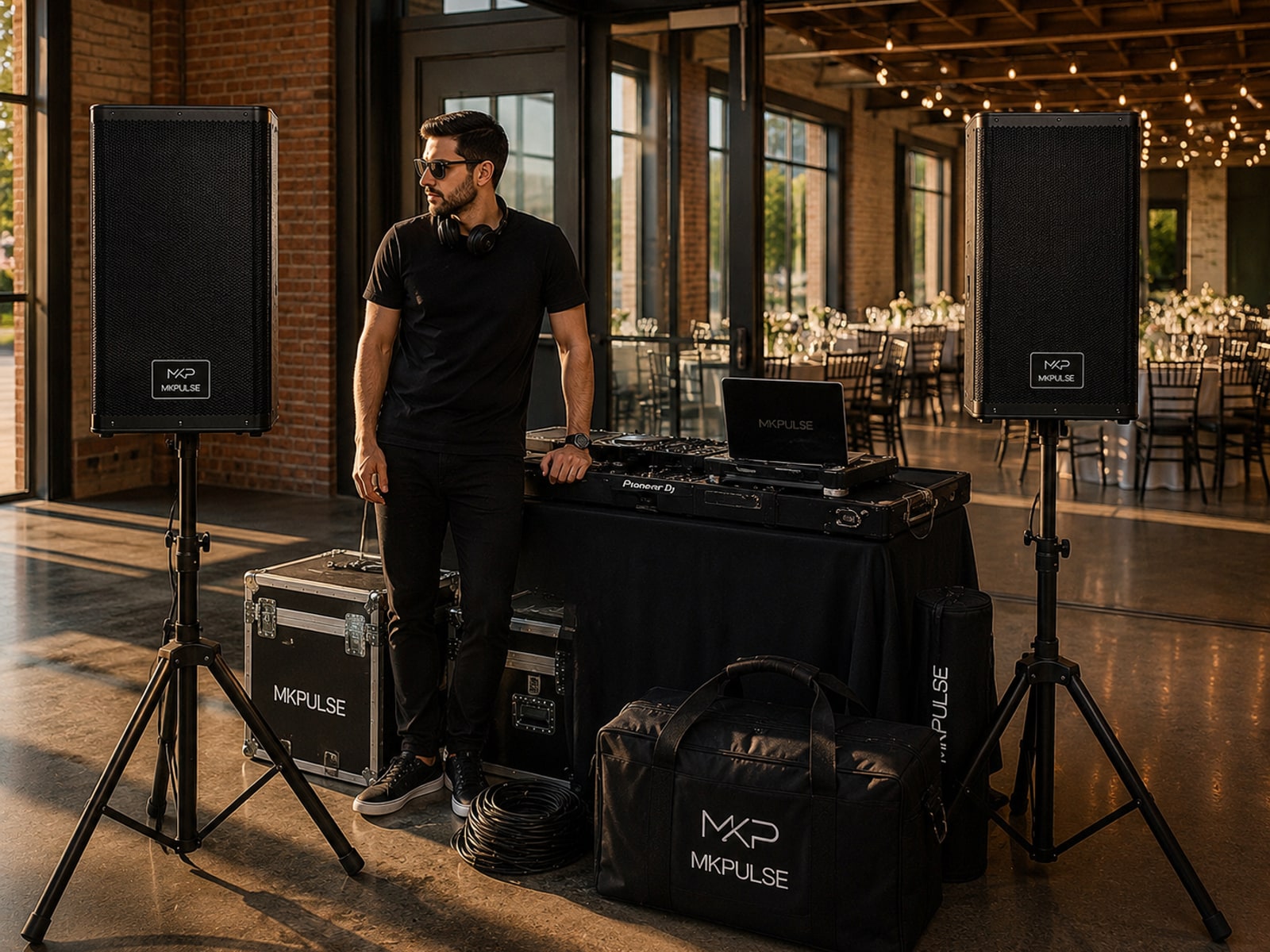
Step 5 — DSP mode and a real floor walk
Pick Music for dance sets, Vocal for singers and hosts, Speech for ceremonies, Flat when an external workflow needs a clean start. Then walk near, middle, and far positions at a level close to show volume. If the front is harsh and the back is weak, move the cabinet before you only turn up. More volume is not always more coverage.

Outdoor vs indoor quick differences
- Outdoor: wind, open space, and neighbors — start lower, aim carefully, prefer battery when aesthetics matter.
- Indoor hall: reflections and crowd density — use stands, leave RMS headroom, re-check after the room fills.
- DJ dance focus: S15 tier for continuous power; keep a second unit or TWS plan for wide floors.
- Ceremony / speech focus: P10 tier with mic talk-test locked before processional cues.
A setup story that scales
Once this checklist is muscle memory, every venue feels familiar. That is how freelancers and brands protect reputation: same order, same gain discipline, same walk of the floor. Gear that makes the checklist easy — honest specs, clear panels, included mic — earns long-term trust.
Ready to run the room
For mobile speech-led events, set up with the MKPULSE P10. For DJ and larger dance rooms, set up with the MKPULSE S15. Compare options on compare or keep learning in the Journal.